23/33 concept project
Krust: sourdough baking course · online
Students see the price straight away, pay on the site and go right into the lessons, with no separate course platform.
Concept project - how I would build a website for a business in this field: sourdough baking course. The business and its details are fictional.
- Field
- sourdough baking course
- City
- online
- Languages
- PL
- Year
- 2026
- Type
- online course website
01The challenge
An online course is usually stitched from several tools, and learners get lost between them.
- The course platform costs every month
- Site, payment and lessons in different places
- Invoices and company access handled by email
Full description of the challenge
Anyone selling an online course usually pieces it together from several tools: the website in one place, payment in another, lessons on a platform with a monthly fee, and invoices and company access handled by hand over email. Along the way, students pass through several different sites. This is how I would build an online course website, using a sourdough school as the example: the price in plain view, and sign-up, payment, the account and the lessons all in one place, at one address. The bread is just the example. A language course, a course for accountants or staff training for a company would work the same way.
02What I did 6 decisions
-
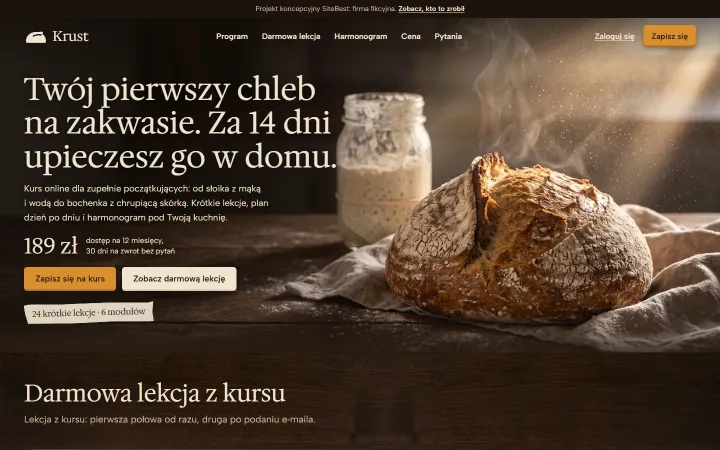
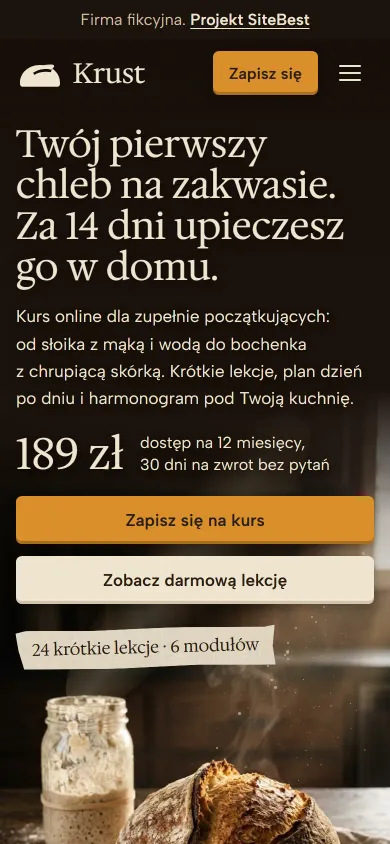
A photo on the first screen and a 14-day bar
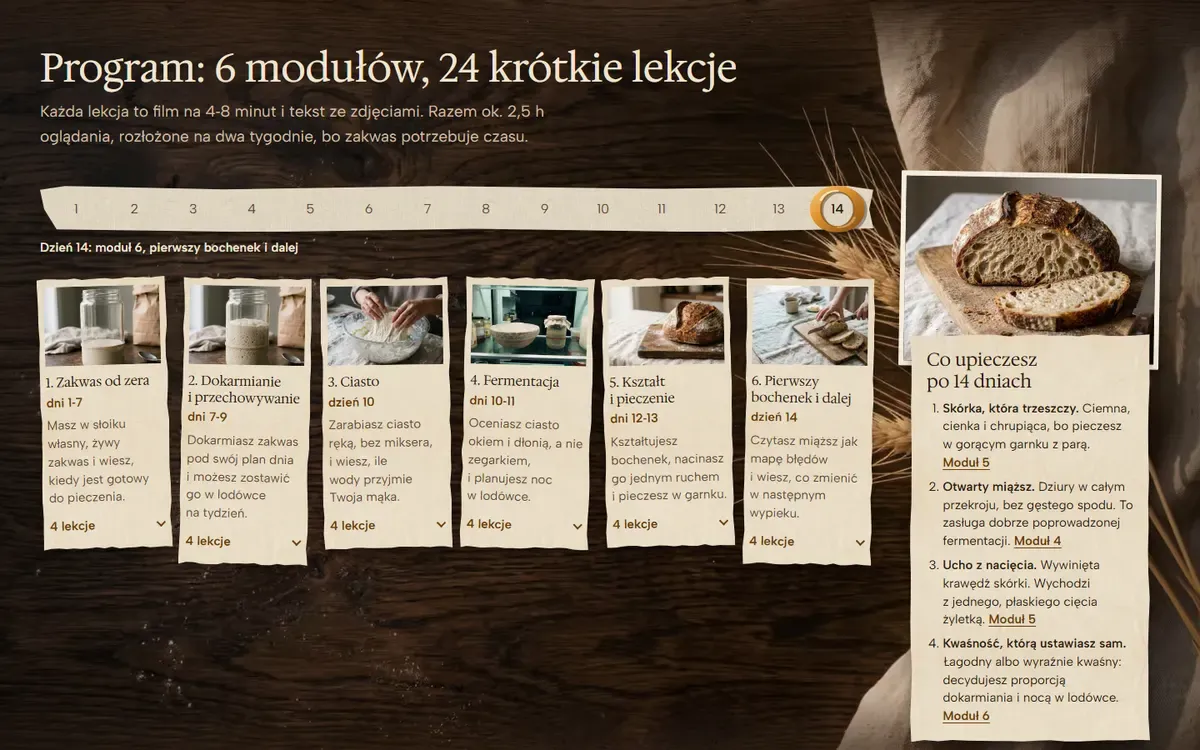
Starter and loaf in morning light, with a 14-day bar and a rubber band leading through the programme.
More details
The first screen is a single large photo: a jar of starter and a loaf on an oak board, in a streak of morning light, with flour specks and steam above the crust. The price and buttons are there from the first moment. Further down, a 14-day bar with a rubber band leads through the course outline: the band moves as you scroll and shows which day you are reading. The same bar comes back on the student dashboard as progress from 0 to 100%. The motion is gentle, and with reduced motion the page shows the final state at once.
-
The price up front, sign-up for companies too
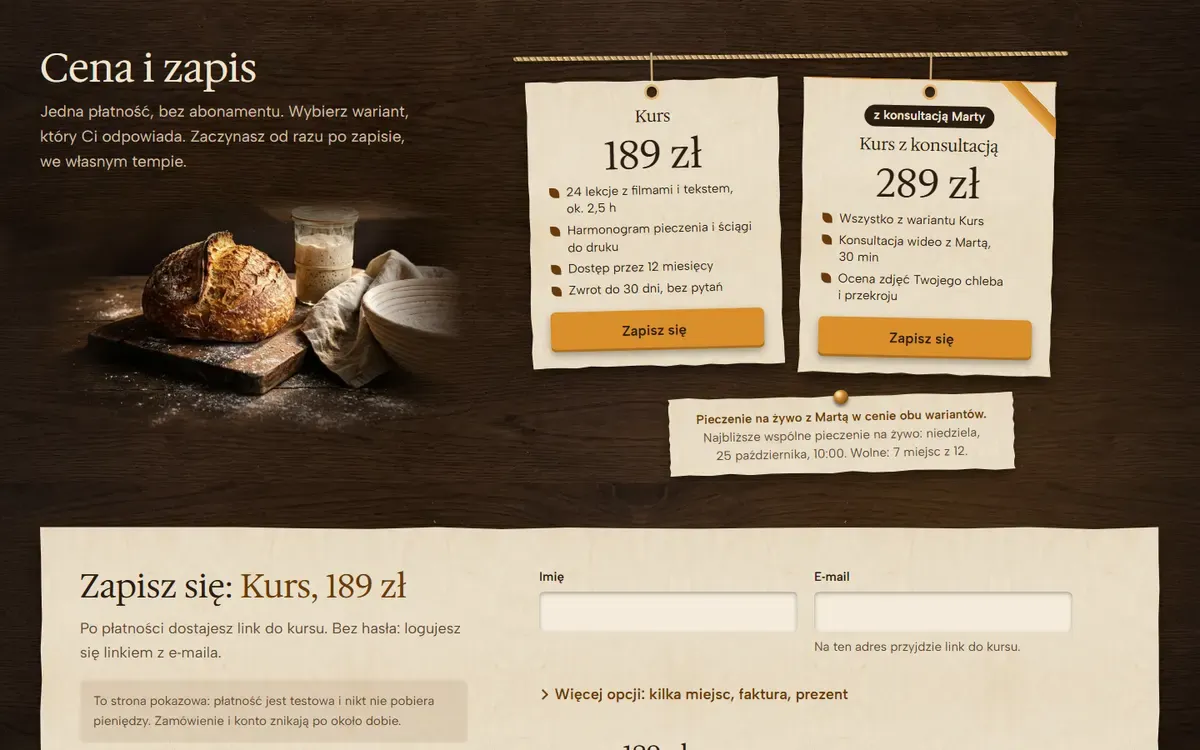
The 189 zł price up front, invoices with live tax ID checks, gifts and seats for companies.
More details
The price is on the first screen: 189 zł for the course. At sign-up, two tags side by side show the choice: 189 zł or 289 zł with a video consultation. The sign-up form can ask for a company invoice, and the page checks the Polish tax number (NIP) as it is typed, check digit included. The course can be bought as a gift, and the recipient gets a code. A company or a training team can buy several seats in one go, the total adds itself up, and each employee gets their own access code.
-
A free lesson and a baking planner
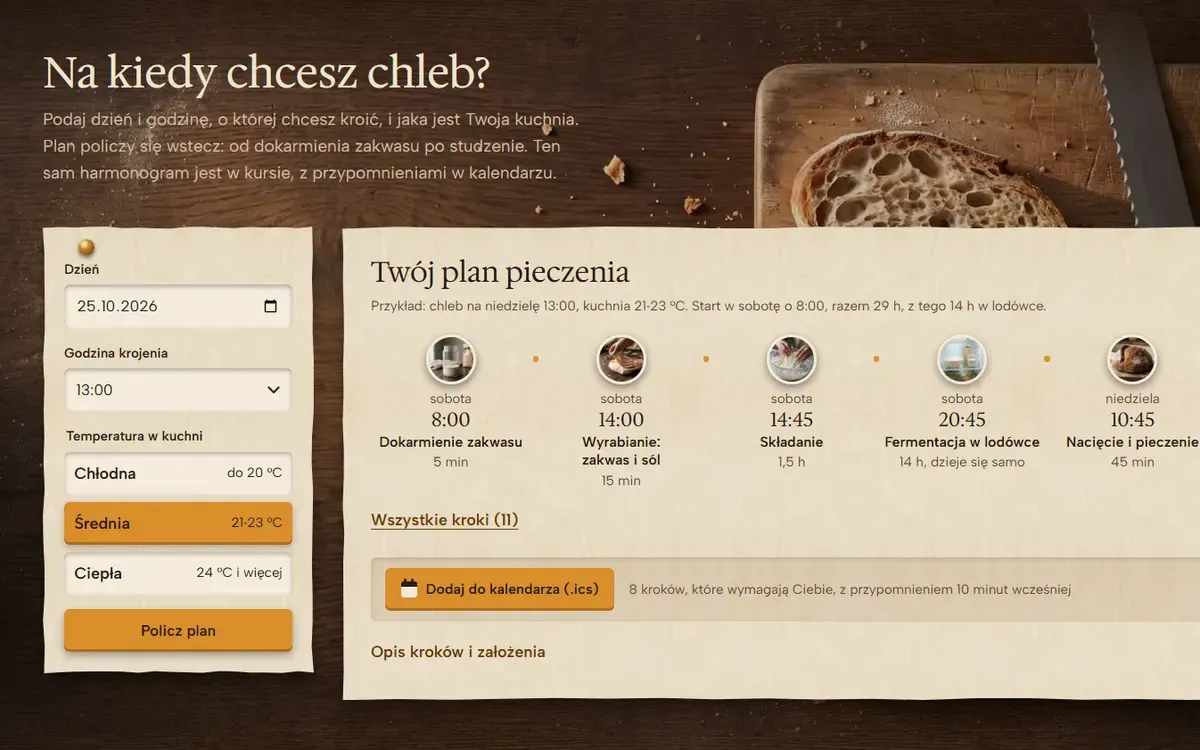
A free lesson collects emails, and a planner counts baking backwards from when the bread is due.
More details
The free lesson looks exactly like a lesson inside the course. The first half is open and an email address unlocks the second, so the school gathers contacts from people who are genuinely interested. The planner works backwards from the time you want your bread, allows for how warm your kitchen is, and puts every step into your phone’s calendar with a reminder before each one. People use a tool like that before they buy the course, and come back to it every time they bake.


-
Payment, an account and no password
After payment the account sets itself up, and login is a link from email, with no password.
-
A student area behind a login
24 lessons open only after login, and the dashboard shows progress and “Continue”.
-
A school dashboard and honest labels
A dashboard with orders and learner progress, and the test payment is clearly labelled.
Details of decisions 04-06
04 Payment, an account and no password
After signing up, students go on to payment. On the demo this is a test gateway that charges nothing and says so plainly. In a real build Przelewy24 or Stripe takes its place, without rebuilding the rest of the site. Once the payment goes through, the account sets itself up and students log in with a link from an email, so there is no password to remember. The link works for 15 minutes and only once.
05 A student area behind a login
The 24 lessons in 6 modules open only after logging in. Without an account they cannot be viewed or dug out of the page source. The dashboard shows the progress bar with the rubber band and a “Continue” button right where the student left off. Each lesson has room for a video, a list of things to get ready and a “Mark as done” button. After the last lesson, students print a certificate of completion.
06 A school dashboard and honest labels
In the dashboard the school sees orders and payments, each student’s progress and the free places in the live group bakes, and can grant access by hand. Student details there are partly hidden. The school and the teacher are fictional, the payment is a test, and the site shows emails on screen instead of sending them. Reviews are marked as examples, and the photos are AI-generated and labelled on the site.
03Result
Sign-up, payment, account and lessons sit at one address, with no platform subscription.
Full description of the result
An online course website where students see the price, pay, get an account and work through the lessons at their own pace, while the school keeps orders and student progress in one dashboard, with no monthly fee for a course platform. Speed 98/100 on mobile and 100 on desktop, and nothing jumps while the page loads.
98phone
100desktop
measured:
04DNA card
What the finish is made of
Click a color, typeface or corner style to strip it from the preview. What remains is the bare structure - the same one every website of mine stands on.
Colors
Heading typeface
Corner radius
05Found on Google
How customers find this website
- The title says what the course teaches, that it is online and what it leads to: a first loaf in 14 days.
- Google knows it is a self-paced online course, and knows both prices and the monthly live group bake.
- The most common questions are set up so Google and AI assistants can quote the answers.
- The lessons sit behind the login, so they never end up in search results.
- The demo is hidden from search engines, because the business is fictional.